Best Free Tools for GDPR and ADA Compliance Scans
11/18/2025 • 13 min read
Best Free Tools for GDPR and ADA Compliance Scans
Avoiding GDPR and ADA violations is essential to protect your business from hefty fines and lawsuits. Whether you're ensuring data privacy for EU visitors or making your site accessible to users with disabilities, free tools can help you identify and fix compliance issues without spending a dime.
Here’s a quick summary of the best free tools available:
- CLUNKY.ai dCLUNK™: Scans for GDPR, ADA, and WCAG compliance. Offers detailed reports with prioritized fixes and tracks improvements over time.
- ADA QuickScan: Focuses on accessibility issues like missing alt text and poor color contrast.
- Usercentrics Free Scanner: Reviews cookie consent and data practices for GDPR compliance.
- Silktide Accessibility Checker: Tests over 200 accessibility issues across WCAG guidelines.
- Cookiebot Free Scanner: Analyzes cookie consent and tracking technologies for GDPR/CCPA compliance.
- CookieYes Free Scan: Provides basic cookie compliance insights for GDPR and CCPA.
Each tool is tailored to specific needs, from accessibility to privacy compliance. For a single solution covering both GDPR and ADA, CLUNKY.ai dCLUNK™ stands out with no usage limits and actionable insights.
Quick Comparison:
| Tool | Focus Areas | Free Features | Limitations |
|---|---|---|---|
| CLUNKY.ai dCLUNK™ | GDPR, ADA, WCAG | Full scans, detailed reports, progress tracking | None – unlimited scans |
| ADA QuickScan | ADA, WCAG 2.1 AA | Accessibility checks (alt text, contrast) | No GDPR coverage |
| Usercentrics Scanner | GDPR | Cookie consent and tracking review | Limited free features |
| Silktide Checker | ADA, WCAG | 200+ checks with step-by-step guidance | No GDPR coverage |
| Cookiebot Scanner | GDPR, CCPA | Cookie categorization and compliance | Free version covers 50 pages |
| CookieYes Scanner | GDPR, CCPA | Basic cookie compliance evaluation | Limited analysis depth |
Using these tools, you can address compliance gaps, avoid legal risks, and improve user trust. Start with a free scan today to ensure your website meets necessary standards.
An Overview of Website Compliance (ADA, GDPR, etc) with Hans Skillrud
CLUNKY.ai dCLUNK™: Complete Website Scanning
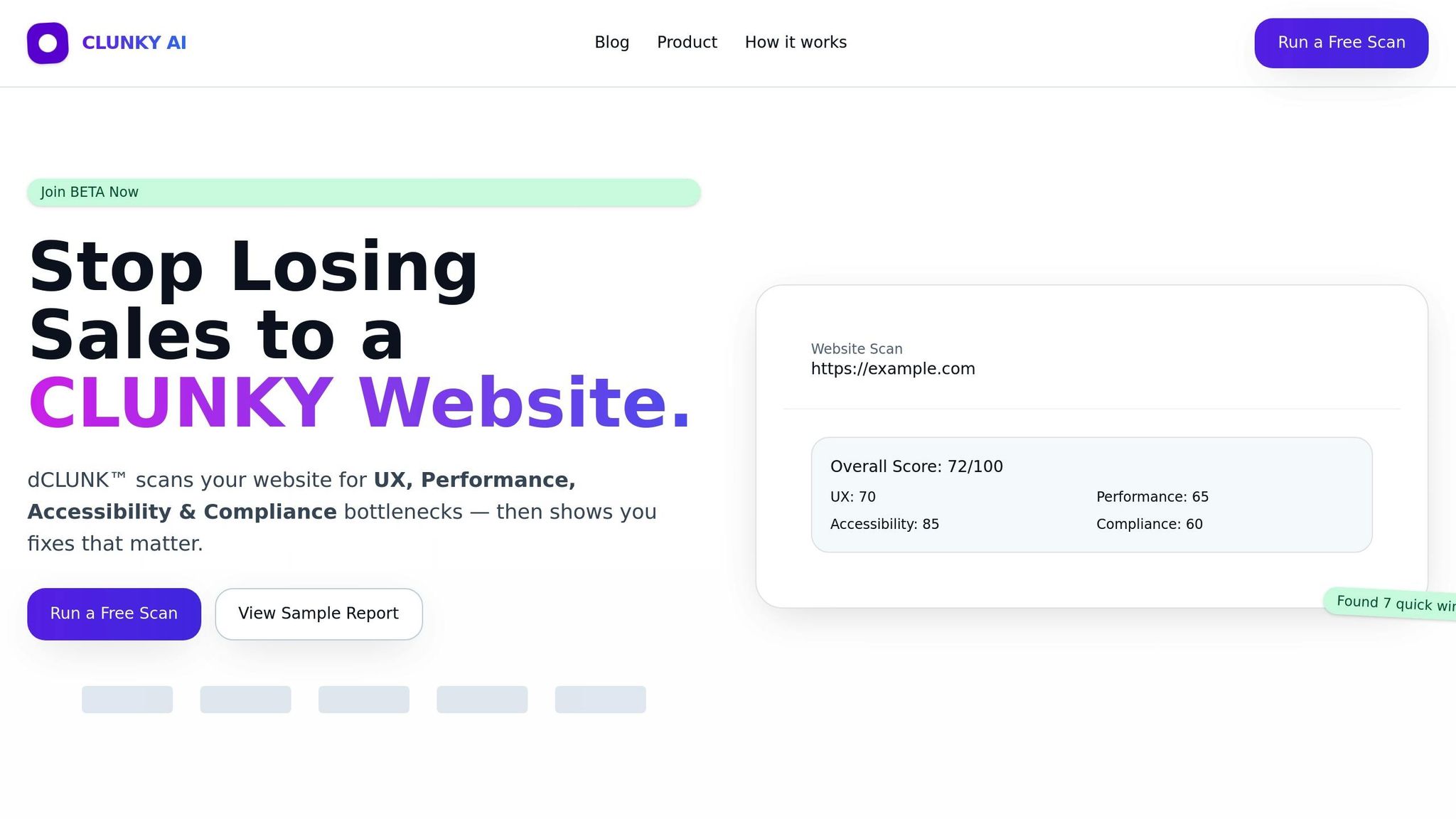
CLUNKY.ai's dCLUNK™ is a free tool designed to scan websites for compliance issues related to UX, performance, accessibility, and GDPR/ADA regulations. It doesn’t just flag problems - it shows how fixing accessibility or GDPR issues can also improve site performance and user trust.
Main Features of dCLUNK™
With dCLUNK™, you get a quick, well-rounded snapshot of your website’s health, complete with prioritized recommendations. Simply enter a URL, and within minutes, you’ll receive actionable insights.
The tool generates detailed reports that simplify complex compliance requirements into easy-to-follow steps. Using plain language, it explains what needs fixing and how to do it.
dCLUNK™'s ability to scan any URL makes it particularly useful for agencies, consultants, and businesses. Whether you're conducting due diligence or improving your site, it’s a flexible tool that adapts to various needs.
"dCLUNK™ not only highlights compliance issues but also provides clear steps to enhance user experience, making it an invaluable tool for website owners."
- Jane Doe, Accessibility Consultant
You can also track your site’s progress with automated scoring. After making recommended changes, rescan your site to see measurable improvements in compliance and performance.
How dCLUNK™ Supports Compliance
For GDPR compliance, dCLUNK™ dives deep into your cookie banners and consent flows. It checks if your website has a clear cookie policy and ensures you’re collecting explicit user consent - a critical GDPR requirement. It also evaluates whether users can easily withdraw consent and whether cookie notices are written in clear, simple terms.
When it comes to ADA compliance, dCLUNK™ runs thorough accessibility checks based on WCAG guidelines. It identifies issues like missing alt text, poor color contrast, and problems with keyboard navigation that could block users with disabilities from accessing your site. From checking heading structures to form labels and focus indicators, the tool provides specific, step-by-step guidance to address each issue.
By combining regulatory checks with user experience improvements, dCLUNK™ helps elevate your website’s overall quality. This dual focus makes it a standout tool when compared to other free solutions.
Free Scanning and Report Options
One of the best parts? dCLUNK™ is completely free. You can scan as many URLs as you need without worrying about trial periods or usage limits.
The free version includes a full suite of features, covering everything from UX evaluations and performance metrics to accessibility and compliance checks. Startups and enterprises alike can benefit from these insights. For users needing more advanced options, there are paid plans offering exportable reports in PDF format - great for sharing with stakeholders or keeping documentation. But the core scanning and recommendation engine remains free for everyone.
Here’s a real-world example: A small e-commerce site used dCLUNK™ to make improvements and saw a 25% boost in engagement and a 15% drop in bounce rates within just three months.
Next, we’ll look at other free tools available for GDPR and ADA compliance, so you can decide which one best suits your needs.
Best Free Tools for GDPR and ADA Compliance
Beyond dCLUNK™, there are several specialized free tools that can help you address specific challenges related to GDPR and ADA compliance. Each tool brings its strengths to the table, focusing on different aspects of these requirements. Here's a closer look at some of the top options and what they offer.
ADA QuickScan
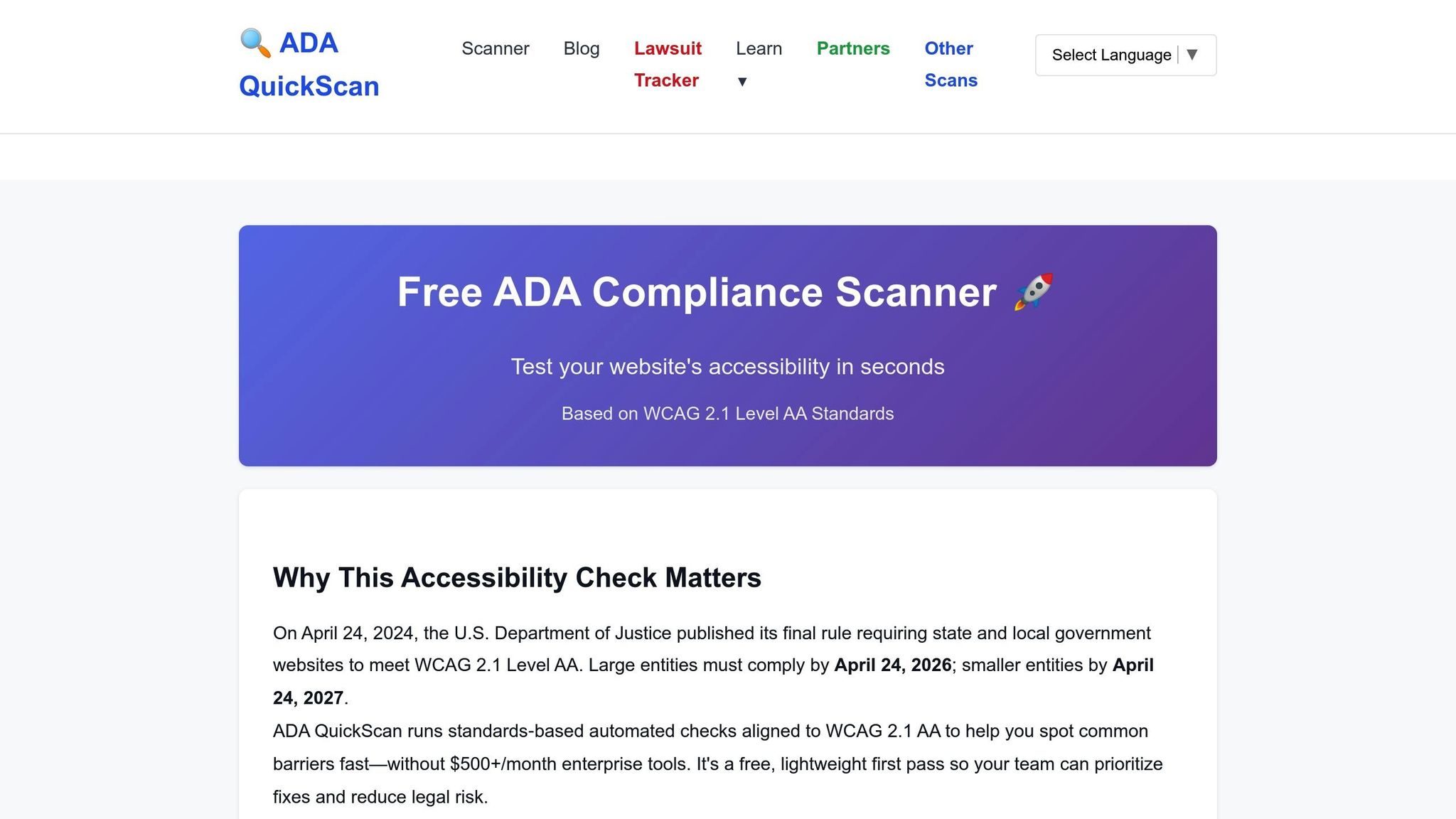
ADA QuickScan zeroes in on WCAG 2.1 Level AA standards, a widely recognized benchmark for web accessibility. This tool provides straightforward, easy-to-understand results, making it simple to identify and fix common accessibility issues.
It highlights problems like missing alt text, poor color contrast, and difficulties with keyboard navigation. By breaking down each issue into actionable steps, it’s particularly useful for small businesses and content creators who want quick, practical solutions without diving deep into technical jargon.
Usercentrics Free Web Compliance Scanner
When it comes to GDPR compliance, the Usercentrics Free Web Compliance Scanner is a solid choice. It reviews your cookie consent setup and data processing practices, ensuring your site meets GDPR standards. The scanner checks for compliant cookie banners, verifies that users can withdraw consent easily, and flags tracking technologies that require explicit permission.
"Usercentrics' scanner offers instant results and practical guidance, making GDPR compliance easier for website owners." - Usercentrics
In October 2025, a small e-commerce site used this tool to uncover gaps in their GDPR compliance. After implementing the suggested changes, they saw a 30% increase in user trust and a 15% boost in conversion rates.
Silktide Accessibility Checker
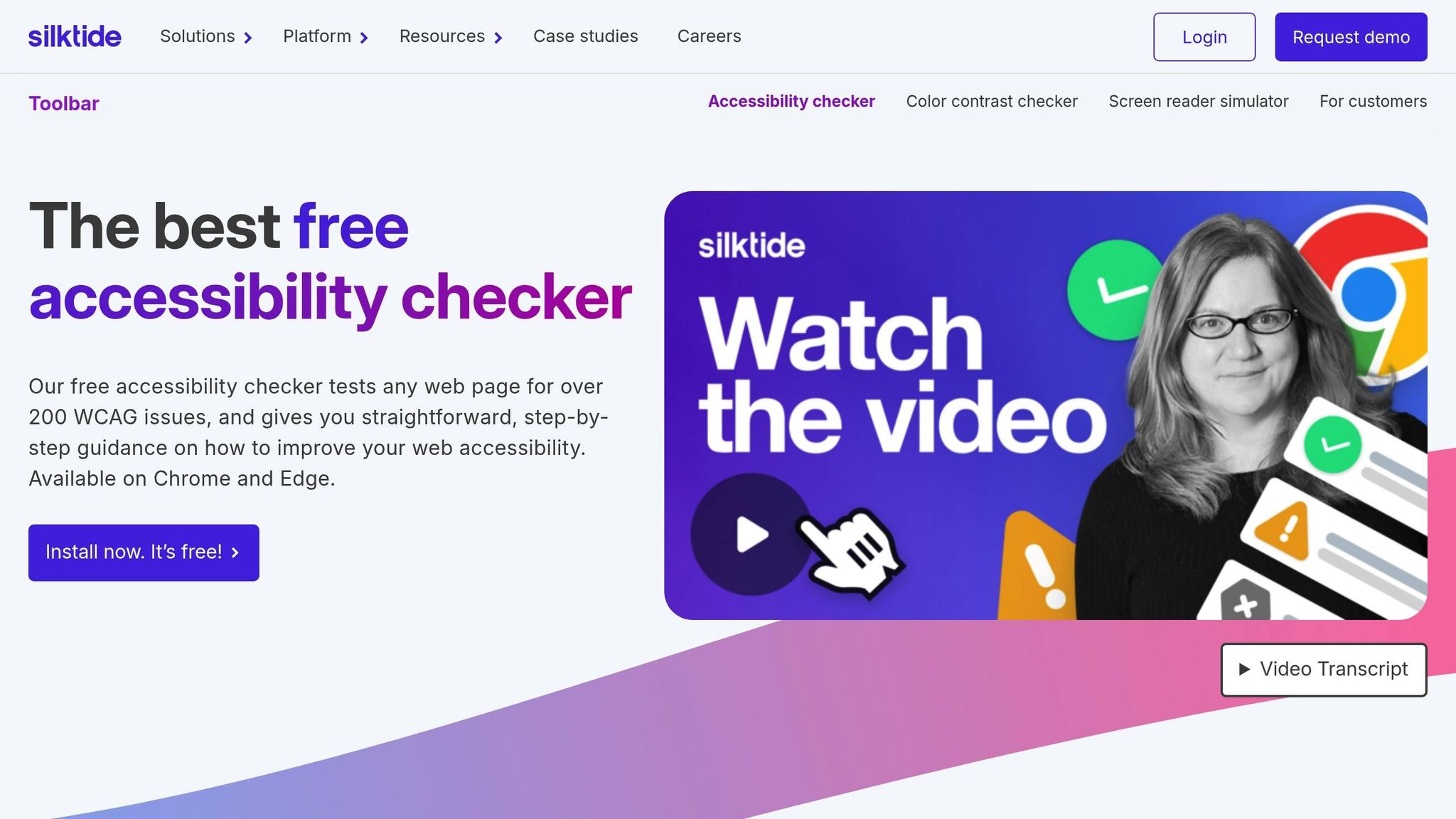
Silktide is one of the most thorough free tools available for ADA compliance, testing for over 200 WCAG/ADA issues across various guideline versions, including WCAG 2.0, 2.1, and 2.2 at Levels A, AA, and AAA.
What sets Silktide apart is its detailed, step-by-step guidance for resolving accessibility problems. This makes it a valuable resource for both developers and content creators aiming to improve their website’s accessibility.
"The Silktide Toolbar provides automated WCAG checker functionality, covering key accessibility standards and helping users quickly identify issues." - Silktide
In 2025, a small business leveraged Silktide to uncover over 50 accessibility issues on their site. After addressing these, they experienced a 40% increase in user engagement.
Cookiebot Free Scanner
Cookiebot is a versatile tool for automated GDPR and CCPA compliance, specifically targeting cookie consent and tracking technologies. The free version supports up to 50 pages, making it ideal for small to medium-sized websites.
This tool automatically scans your site for cookies and tracking technologies, categorizes them, and ensures your consent management setup is compliant. It also continuously monitors your site for new tracking tools, helping you stay on top of compliance as your site evolves.
CookieYes Free Scan
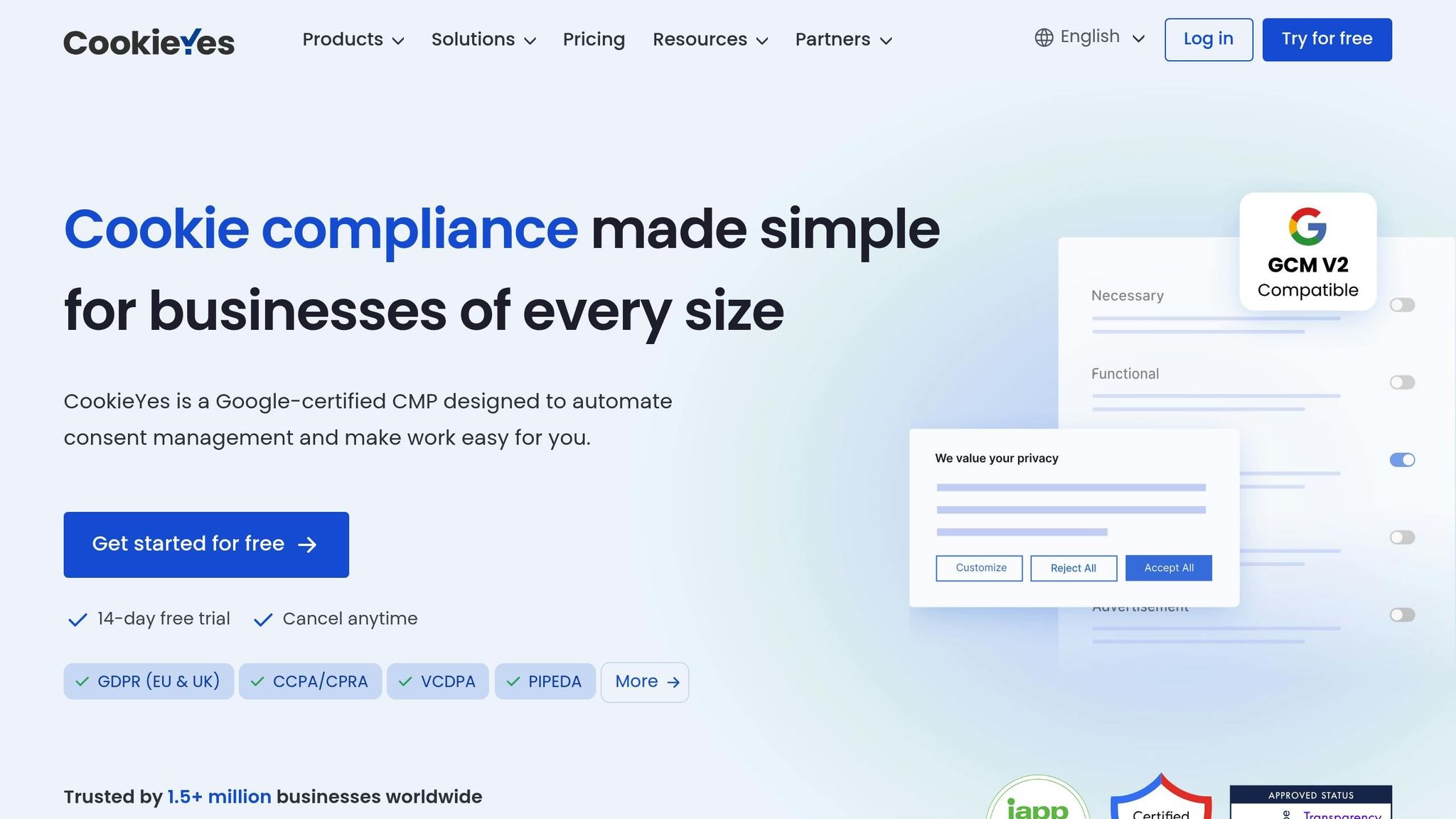
CookieYes focuses on GDPR and CCPA cookie consent compliance, offering a basic yet effective solution for small businesses starting their compliance efforts. While the free version is limited compared to paid plans, it provides essential scanning capabilities.
The tool evaluates your cookie setup, identifies missing consent mechanisms, and offers basic guidance for privacy policy compliance.
"Free tools provide immediate access for evaluating basic accessibility needs, but they often lack comprehensive analysis." - CookieYes
For small businesses with limited resources, CookieYes can be a helpful starting point. However, for more detailed analysis and ongoing support, upgrading to a paid version might be necessary.
Each of these tools is designed to address specific compliance needs. The best choice depends on your priorities - whether you're focused on GDPR, ADA, or both - and the unique requirements of your website.
sbb-itb-641714f
Comparison Table: Features and Limits of Free Tools
Choosing the right compliance tool can save you time and ensure your site meets necessary standards. Here's a quick look at how popular free tools compare in terms of coverage, features, and limitations.
| Tool | Compliance Areas | Free Features | Limitations | Report Type | Best For |
|---|---|---|---|---|---|
| CLUNKY.ai dCLUNK™ | GDPR, ADA, WCAG 2.0–2.2 | Full website scans, UX analysis, performance metrics, accessibility checks, compliance signals | None – all scans are free | Comprehensive reports with prioritized recommendations | Businesses needing a complete website analysis |
| ADA QuickScan | ADA, WCAG 2.1 Level AA | Basic accessibility checks, alt text detection, color contrast analysis | Limited depth; no ongoing monitoring | Simple assessment reports | Small businesses needing quick ADA checks |
| Usercentrics Scanner | GDPR | Cookie consent evaluation, tracking technology review | Limited free features | Basic compliance overview | GDPR-specific compliance needs |
| Silktide Checker | ADA, WCAG 2.0/2.1/2.2 (A, AA, AAA) | 200+ checks, step-by-step guidance | No GDPR coverage; browser extension only | Detailed interactive reports with explanations | Developers and accessibility-focused teams |
| Cookiebot Scanner | GDPR | Cookie categorization, consent management setup | Limited scanning scope; no ADA coverage | Compliance reports | Medium websites focused on cookie compliance |
| CookieYes Scanner | GDPR, CCPA | Basic cookie scanning, consent mechanism evaluation | Limited analysis depth; basic reporting | Basic compliance guidance | Small businesses starting compliance efforts |
This breakdown highlights the strengths and weaknesses of each tool, helping you find the best fit for your needs. Tools like Silktide Checker excel in accessibility, offering over 200 WCAG checks and detailed, interactive reports tailored for developers. On the other hand, Cookiebot Scanner and CookieYes Scanner focus on cookie compliance, making them ideal for GDPR and CCPA requirements.
For instance, Cookiebot Scanner works well for smaller websites with limited cookie compliance needs, while ADA QuickScan is better suited for quick accessibility assessments rather than in-depth analysis. Meanwhile, CLUNKY.ai dCLUNK™ stands out as the only tool providing unrestricted, comprehensive coverage across privacy and accessibility.
"Free tools provide immediate access for evaluating basic accessibility needs, but they often lack comprehensive analysis and may miss context-specific issues." - Alan Simon, Accessibility Expert
The type and depth of reports also vary. Silktide Checker delivers detailed technical explanations ideal for a specialized audience, while Usercentrics Scanner offers simpler overviews for non-technical users. Recommendations range from step-by-step fixes to basic issue identification.
For businesses on tight budgets, tools like CookieYes Scanner and ADA QuickScan offer essential checks at no cost. However, organizations needing ongoing monitoring or a more thorough analysis might find these free options limiting. In such cases, CLUNKY.ai dCLUNK™ provides a rare combination of comprehensive coverage and no usage restrictions.
Ultimately, your choice should align with your site's specific compliance challenges. Many organizations opt to use multiple tools to cover different areas of compliance, but this can complicate workflows and reporting. A tool like CLUNKY.ai dCLUNK™, with its broad coverage, may simplify the process for those looking for a one-stop solution.
How to Pick the Right Compliance Scanner
Finding the right compliance scanner is essential to ensure your website meets necessary standards without overspending on features you don’t need.
Start with your compliance needs. Begin by identifying whether your focus is on GDPR, ADA compliance, or both. Many scanners specialize in one area. For instance, cookie-focused tools are great for GDPR but often neglect accessibility, while accessibility scanners may not address privacy regulations. Tools like CLUNKY.ai dCLUNK™ handle both, saving you from juggling multiple solutions.
Consider your website's size and complexity. Free tools often limit scans to a few pages, which can be a problem for large sites like e-commerce platforms with hundreds of pages. Think about how many pages you need to monitor and whether the scanner can scale as your site grows.
Think about the level of analysis required. Basic scanners can spot surface issues like missing alt text or poor color contrast, but they might miss more nuanced problems. Some advanced tools dig deeper, uncovering context-specific accessibility challenges.
"Automated tools help catch surface-level errors, but services ensure your website truly meets WCAG and ADA compliance standards by addressing usability barriers that automation can't detect." - Missy Jensen, Senior SEO Copywriter, AudioEye
Match the tool to your team’s expertise. If your team includes developers, a scanner with detailed technical reports might be ideal. But for non-technical users, look for tools that provide straightforward summaries and actionable recommendations. This ensures that everyone can act on the findings quickly and effectively.
Weigh the cost of non-compliance. Ignoring compliance can be expensive. GDPR violations, for example, can lead to fines as high as $20 million or 4% of annual global revenue. Investing in the right scanner is not just a technical decision - it’s a financial one.
"GDPR compliance tools simplify the management of personal data and automate tasks like data mapping and consent management." - Tim Keary, Network Security and Administration Expert
Test usability and reporting features. Before committing, try a trial scan. This will help you see how user-friendly the tool is and whether the reports prioritize issues by severity. A good scanner highlights the most critical problems, making it easier to tackle them first.
Plan for ongoing maintenance. Compliance isn’t a one-and-done task. As your site changes and regulations evolve, new issues will pop up. Look for tools that offer regular monitoring rather than requiring frequent manual scans.
Additionally, check how well the scanner integrates with your existing systems. Tools that work seamlessly with your content management system or development workflows can save time and reduce headaches. Avoid scanners that require separate logins or manual data transfers - these can slow down your processes.
Factor in the budget. Free scanners can provide basic insights but often limit features or usage. Premium plans, which typically cost between $10 and $50 per month, offer more robust options.
Tailor the scanner to your industry. Compliance needs vary depending on your field. E-commerce sites may need strong cookie management, content-heavy sites require accessibility, and healthcare or government websites must meet stricter standards. Choose a tool that aligns with the specific demands of your industry.
Ultimately, the right scanner will align with your compliance objectives, website scale, and workflow, ensuring you stay ahead of potential issues while keeping your operations efficient.
Conclusion: Main Points
Free scanning tools are a practical way for businesses to tackle GDPR and ADA regulations without the need for costly premium solutions.
Consider this: GDPR violations can lead to fines as high as $20 million. On top of that, 81% of consumers lose trust in brands after a data breach. This makes it clear that proactive compliance scanning isn’t just about avoiding penalties - it’s also about maintaining customer confidence.
Among the free tools available, CLUNKY.ai's dCLUNK™ sets itself apart. It offers a single, efficient solution for scanning websites for both GDPR and ADA compliance. With its detailed reports and actionable insights, the tool is easy for non-technical users to grasp while still providing the depth needed by technical teams. Plus, its automation features save time and scale effortlessly with growing businesses.
The shift toward automation in compliance management is becoming more prominent, and for good reason. Proactive scanning doesn’t just satisfy legal requirements - it also enhances the user experience. By regularly scanning and monitoring, businesses can address potential issues early, foster trust, and ensure accessibility. With free tools readily available and the steep costs of non-compliance, there’s no excuse to put off creating a solid compliance strategy.
Start today with a free scan using CLUNKY.ai's dCLUNK™, and set up regular monitoring to stay ahead of ever-changing compliance standards.
FAQs
How can free tools like dCLUNK™ enhance my website's user experience while ensuring GDPR and ADA compliance?
Free tools like dCLUNK™ are a great way to tackle both GDPR and ADA compliance while enhancing your website's user experience. These tools scan for issues related to accessibility, performance, and usability, offering practical recommendations to make your site easier to navigate, more readable, and welcoming to all users, including those with disabilities.
By addressing these challenges, you create a more inclusive space, minimize user frustration, and build stronger trust with your audience. Regular scans not only keep you compliant and help you avoid legal troubles but also improve user satisfaction, fostering higher engagement and long-term loyalty.
What are the risks of not using compliance scanning tools to ensure my website meets GDPR and ADA standards?
Failing to routinely check your website for GDPR and ADA compliance can have serious repercussions. These may include hefty legal fines, which can reach up to $150,000 per violation, lawsuits, and damage to your reputation. Beyond the legal and financial risks, non-compliance can weaken customer trust, restrict business opportunities, and even block access to certain markets.
Skipping compliance scans doesn’t just put your finances at risk - it can also harm your brand’s credibility and the overall user experience. Conducting regular checks allows you to catch and resolve issues early, keeping your website accessible, secure, and in line with legal requirements.
What makes dCLUNK™ stand out for GDPR and ADA compliance scanning?
dCLUNK™ takes a unique approach by merging GDPR and ADA compliance scanning with in-depth evaluations of UX, performance, and accessibility. Instead of simply identifying problems, it offers practical recommendations to enhance compliance and boost your website's overall functionality. This streamlined solution not only saves time but also helps create a smoother, more inclusive experience for all visitors.
Explore the six basics
Every Clunky AI article maps back to one or more of the questions a business site has to answer.
Related Posts
Tags AccessibilityPerformanceUser Experience
Category Website Compliance